
Measured routes
Choose an available server in your subscription and switch when your network or destination changes.
Your connection, your devices
Keep your subscription, setup instructions and account details together. Connect with XrayAegis or a compatible client on the devices you use every day.
Lite · CAD 3.49/month — standard price for all payment methods. 50 GB combined upload and download (50,000,000,000 bytes), with standard routing. Ask about Lite.
Built for difficult networks
Compare data allowances and billing periods, then manage your subscription from your account. Our setup guide takes you from installation to your first connection.
Choose an available server in your subscription and switch when your network or destination changes.
Your monthly data allowance counts uploads and downloads together. Lite includes 50 GB with standard routing.
Keep your private subscription link in your account. Contact support with your account email when you need help.
Home-region access
Choose a home-region exit for Prime Video, YouTube Premium, and other services tied to where you live.
Country availability and streaming access can change. Aegis optimizes routes but cannot guarantee any third-party service.
Plans for your routine
No speed or device-count enforcement is currently offered. Actual performance depends on device, access network, destination, route conditions, and local availability.
Managed service
For teams and demanding users, we can design and operate a dedicated service: node selection, 3x-ui provisioning, route measurement, capacity alerts, and documented recovery.
Discuss a managed deployment →Users, carriers, regions, concurrency, and risk tolerance.
Seven-day probes reveal peak-hour loss, latency, and route changes.
Capacity planning, maintenance coordination and a clear support contact.
Meet your connection app
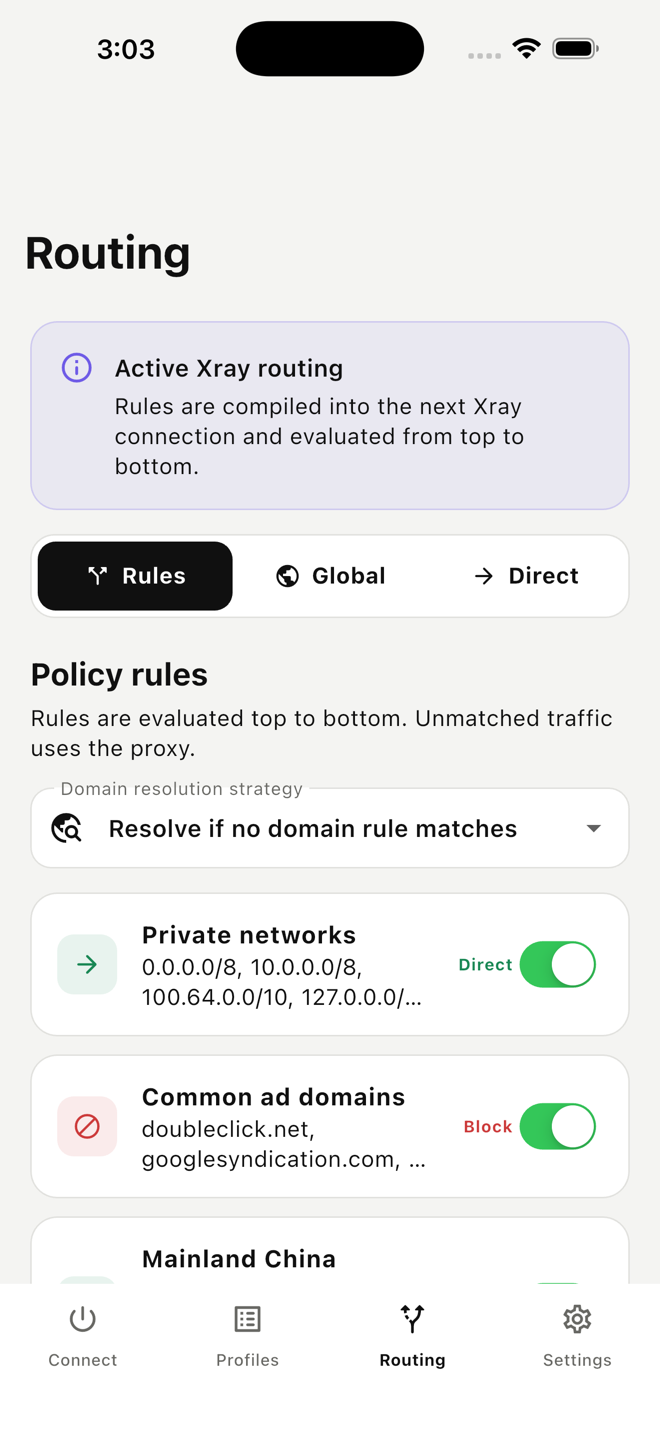
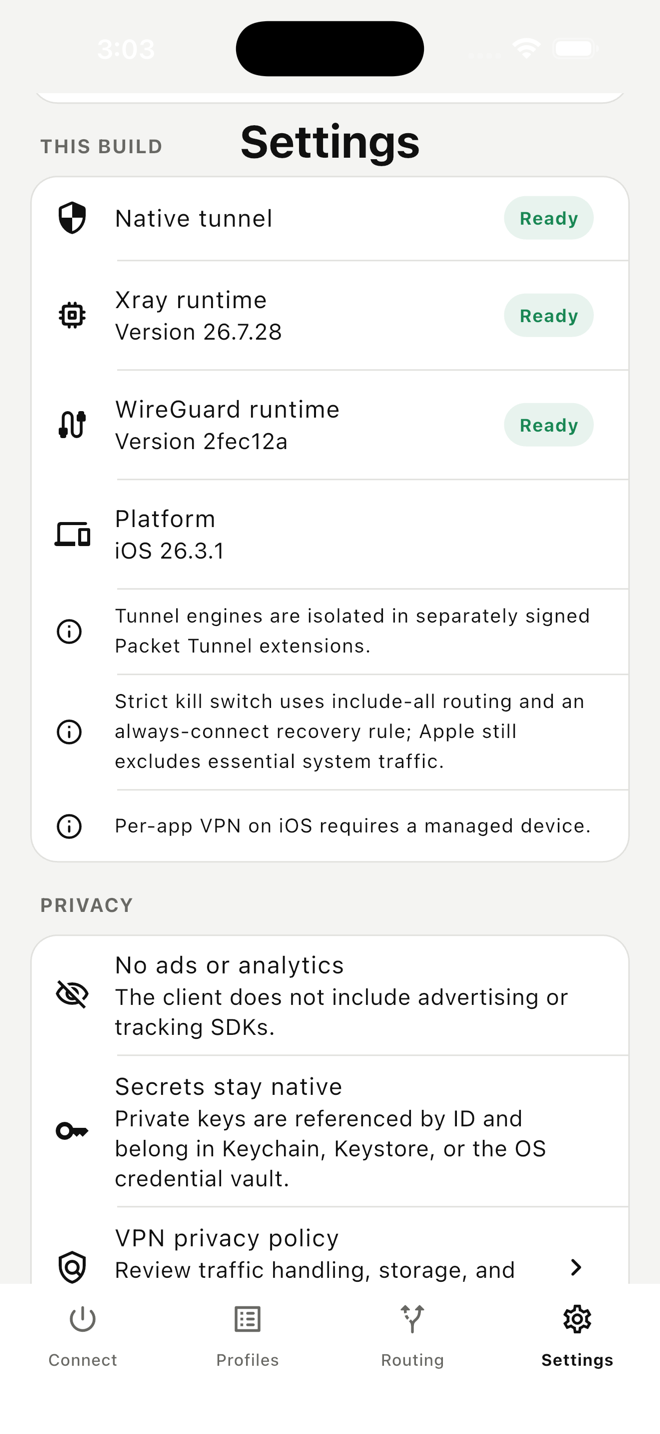
Install XrayAegis, add your subscription and keep your connection controls close at hand. Manage your Aegis Cloud plan in your account, and use the app to choose a server and connect. You can also use a compatible Xray client.
Questions, answered
No. Availability is controlled by market and applicable law. Mainland China commercial sales remain disabled until the required licensing and legal review are complete.
No. The service design retains account, purchase, operational status, and aggregate byte counts needed for service and billing—not destinations, DNS queries, browsing history, or traffic content.
Open Account and choose your active subscription to copy its private URL or display its QR code. Import it into your client using the setup guide.
No. XrayAegis is an independent bring-your-own-tunnel client tool. Aegis Cloud plans are purchased and managed on this website and may be used with compatible clients.
Service availability depends on location and applicable law.
Customer portal
Sign in to manage billing and connection details.
Connection guide
Your account supplies a private subscription URL. Import it once, then refresh it whenever routes or server details change.
Sign in, open Account and choose your active subscription. Use Copy subscription link on the same device, or display its QR code for another device.
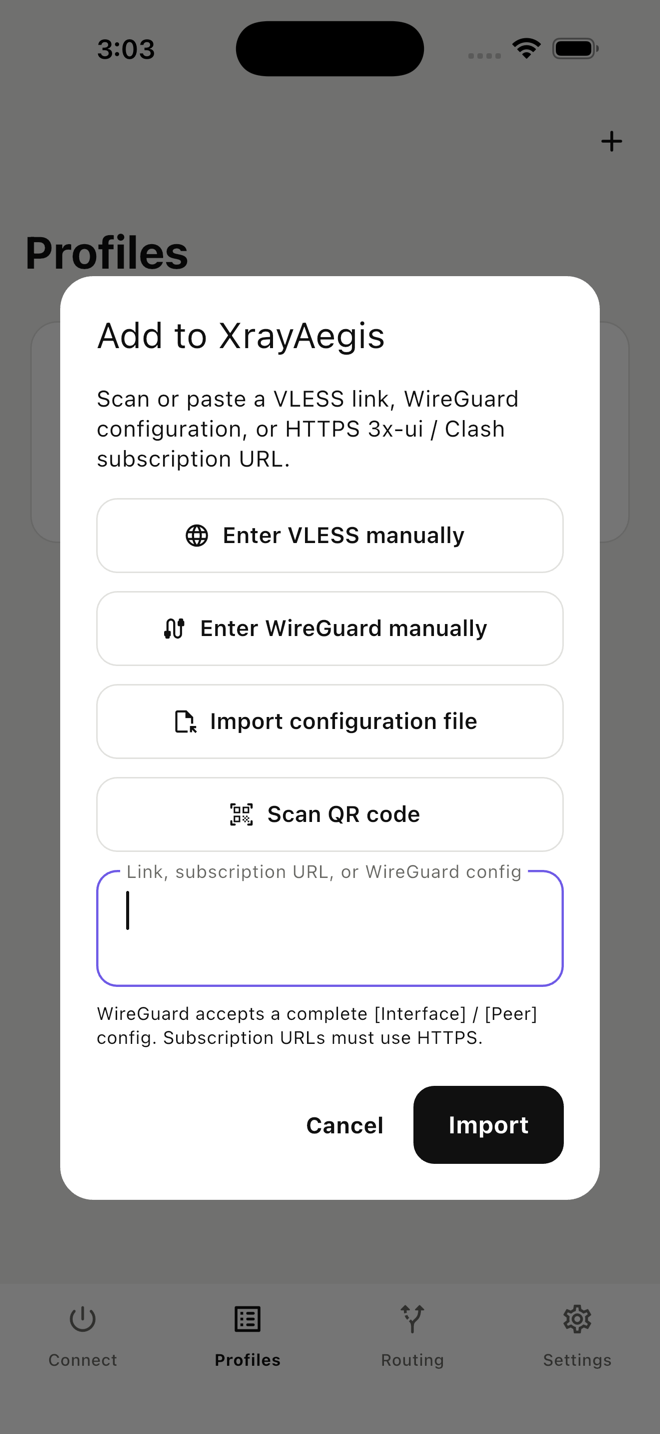
Open Profiles → + / Import. Paste your subscription URL and choose Import, or choose Scan QR code on a phone or tablet and scan the code from your account.
Select a server, tap Connect and allow the operating system's VPN permission.
Install your client
Install the app, import your subscription, then select a server and connect.
Install XrayAegis from the App Store. Requires iOS or iPadOS 15 or later.
Open the v1.0.0 stable downloads and select the standard universal APK.
Choose the Windows x64 Setup installer from the v1.0.0 stable release. Match the package to your PC and review its release notes.
Download XrayAegis for Mac for Apple Silicon or Intel. See the version 1.1.2 Mac prerelease notes.
App Store alternative for Apple Silicon: the iPhone/iPad edition of XrayAegis requires macOS 12 or later and an M1 or newer chip. Import your subscription and approve the VPN permission to connect.
For Ubuntu/Debian on x86-64, choose the Linux amd64 desktop DEB from the v1.0.0 stable downloads.
Ubuntu Server: choose the Terminal amd64 DEB, install it with your package manager, then run xrayaegis to open the text interface. Follow the package’s release instructions for your Ubuntu version.
Anyone with the full URL may be able to use your service. Do not post it publicly or include it in screenshots.
You can also import your VLESS subscription into a compatible Xray client. Use the client’s subscription URL import, then refresh the server list.
Copy your subscription link, add it as a subscription URL in the client, update the subscription and select a server. Confirm that the client version supports the supplied transport, TLS or REALITY settings and flow. A raw VLESS subscription is not automatically a Clash YAML configuration.
Use each project’s official downloads and setup instructions. Keep your client updated when refreshing your subscription.
Help center
Find your subscription, refresh your servers and resolve common connection issues.
Loading current guidance…
Aegis CMS
Customers, service access, commerce, content, and infrastructure in one control center.